


In this blog post, we will explore the Salesforce Inspector Extension, a powerful tool that facilitates the process of making REST API calls within the Salesforce environment. Whether you’re a seasoned Salesforce developer or just starting with the platform, this extension can significantly enhance your workflow and streamline your API interactions.
1. Click on the extension icon

2. Open your browser’s F12 Developer Tools and select the Console tab to make your own API calls.

3. Execute the code in console ( copy & paste the code and hit enter )
GET ACCOUNTS
display(sfConn.rest("/services/data/v56.0/query/?q=" + encodeURIComponent("select Id, Name from Account ")));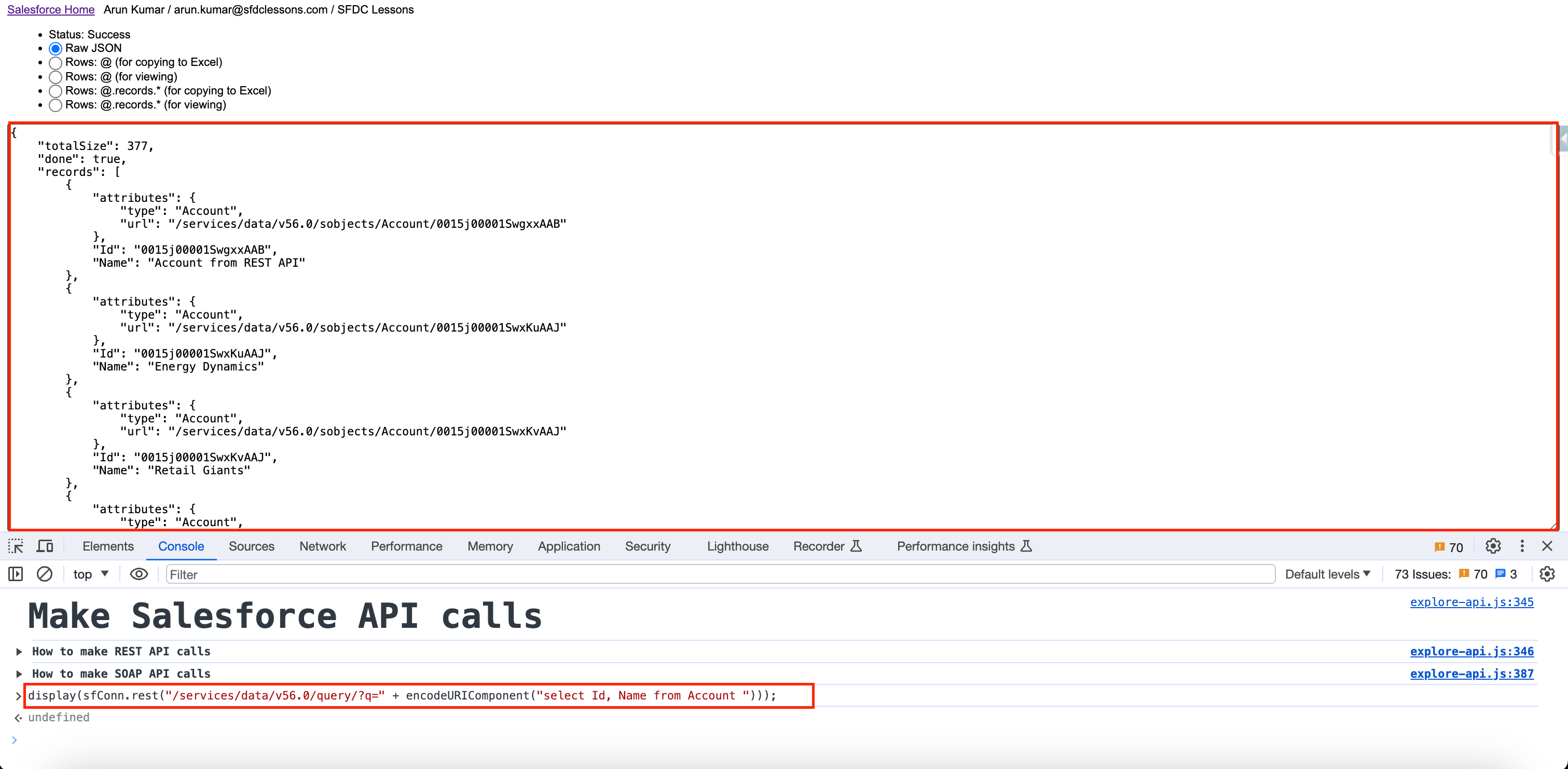
display(sfConn.rest("/services/data/v56.0/query/?q=" + encodeURIComponent("select Id, Name from Account where CreatedDate = THIS_YEAR")));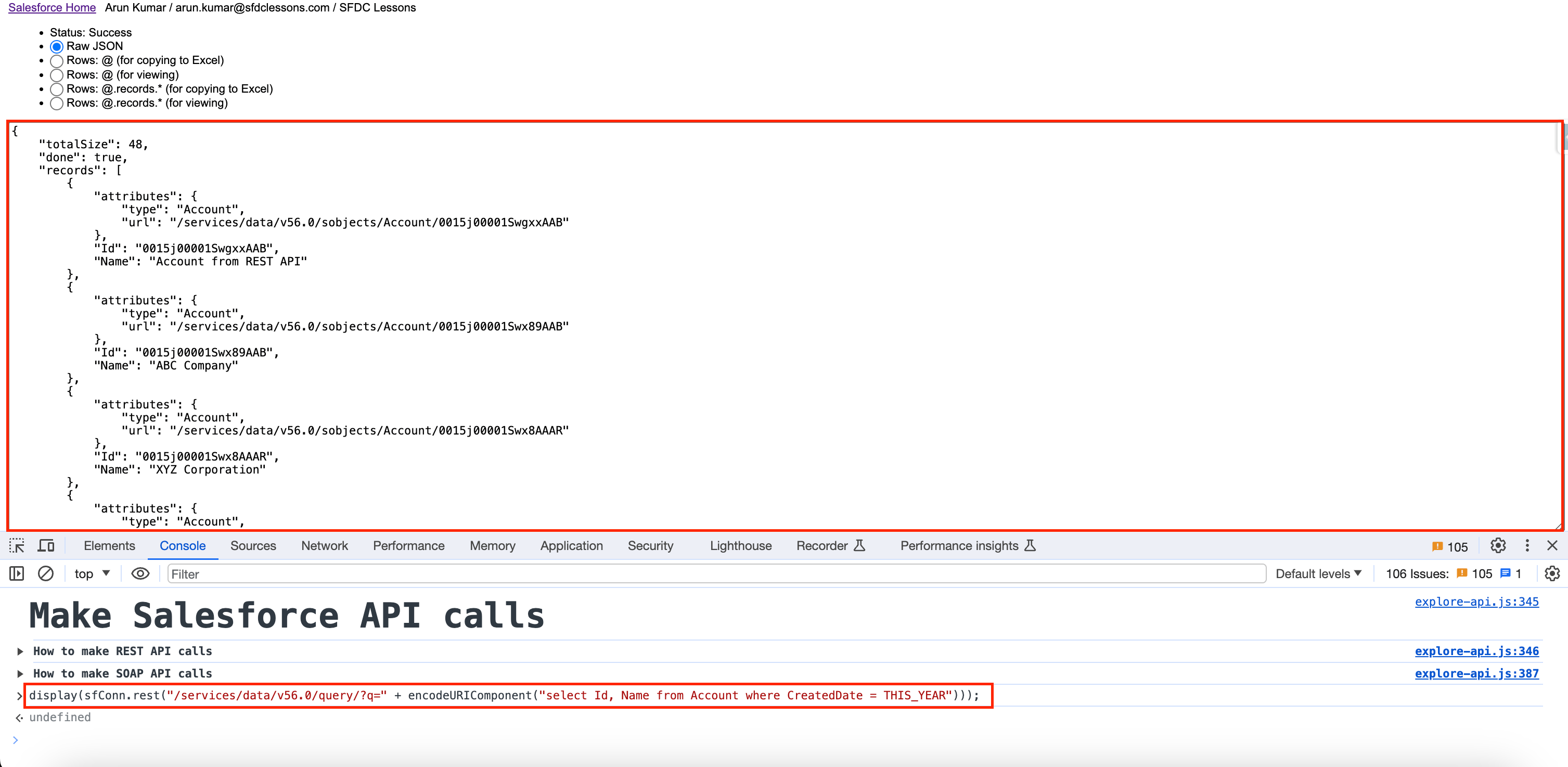
CREATE A NEW ACCOUNT
var myNewAccount = {Name: "Techno HUB"};

display(sfConn.rest("/services/data/v56.0/sobjects/Account", {method: "POST", body: myNewAccount}));
UPDATE ACCOUNT
var accUpdates = {"Name":"Test1001", "Phone":"1234567890"};

display(sfConn.rest("/services/data/v56.0/sobjects/Account/0015j00001Sx75XAAR", {method: "PATCH", body: accUpdates}));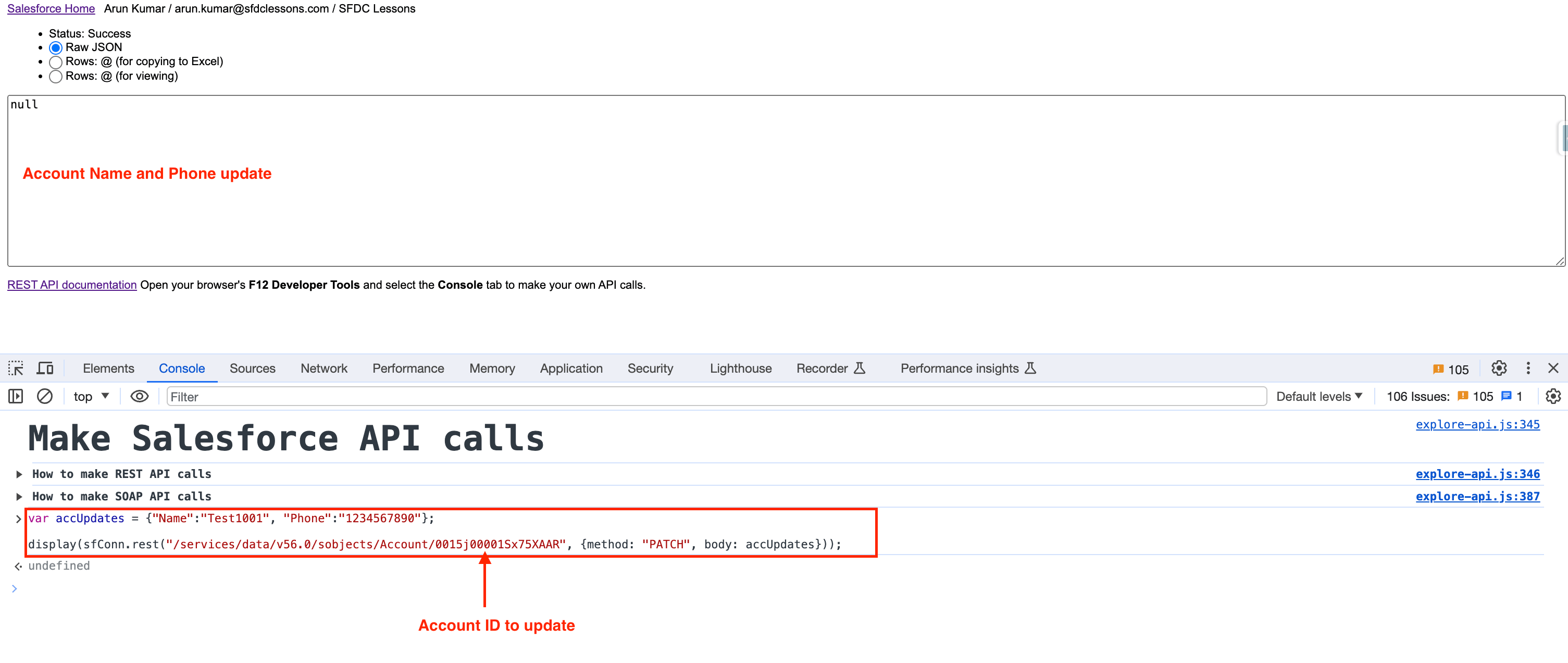
DELETE ACCOUNT
display(sfConn.rest("/services/data/v56.0/sobjects/Account/0015j00001SwaARAAZ", {method: "DELETE"}));
About the blog
SFDCLessons is a blog where you can find various Salesforce tutorials and tips that we have written to help beginners and experienced developers alike. we also share my experience and knowledge on Salesforce best practices, troubleshooting, and optimization. Don’t forget to follow us on:
Newsletter
Subscribe to our email newsletter to be notified when a new post is published.
